
Shred Heads Snowboarding
Totally rad. Totally retro.
About the game
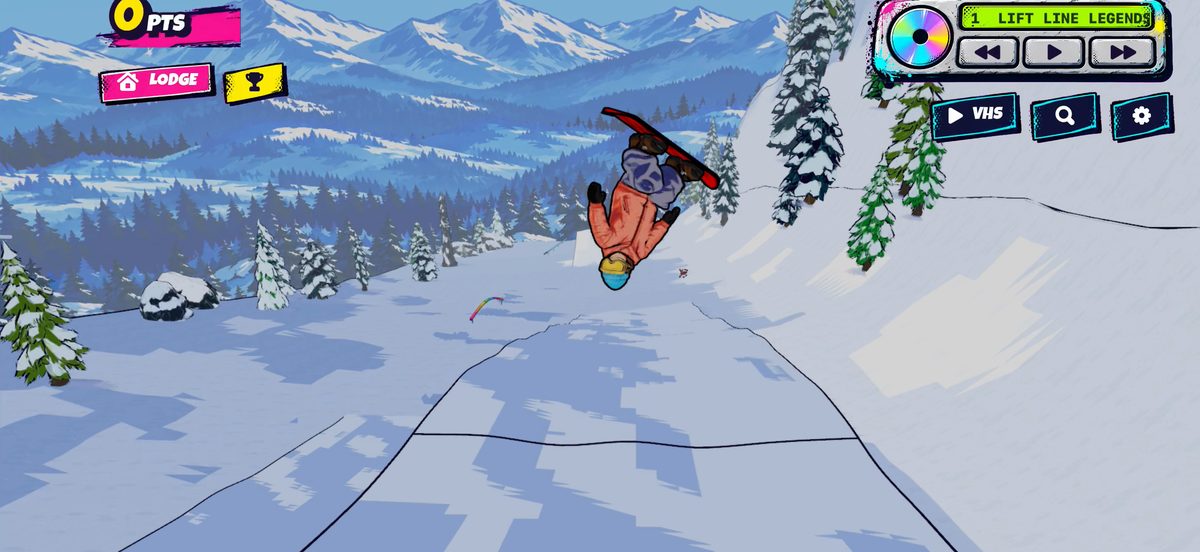
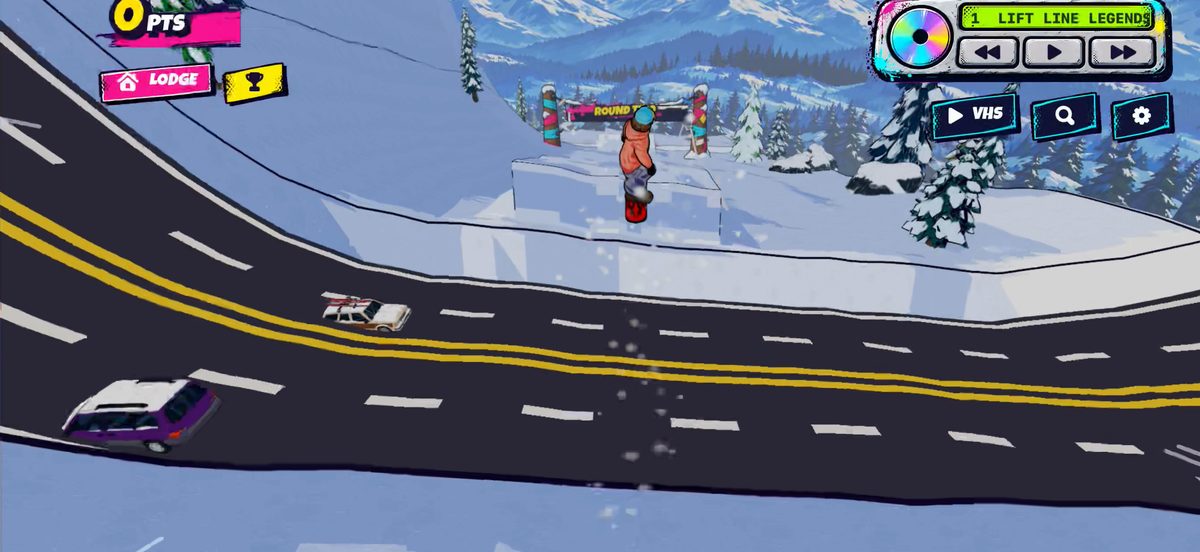
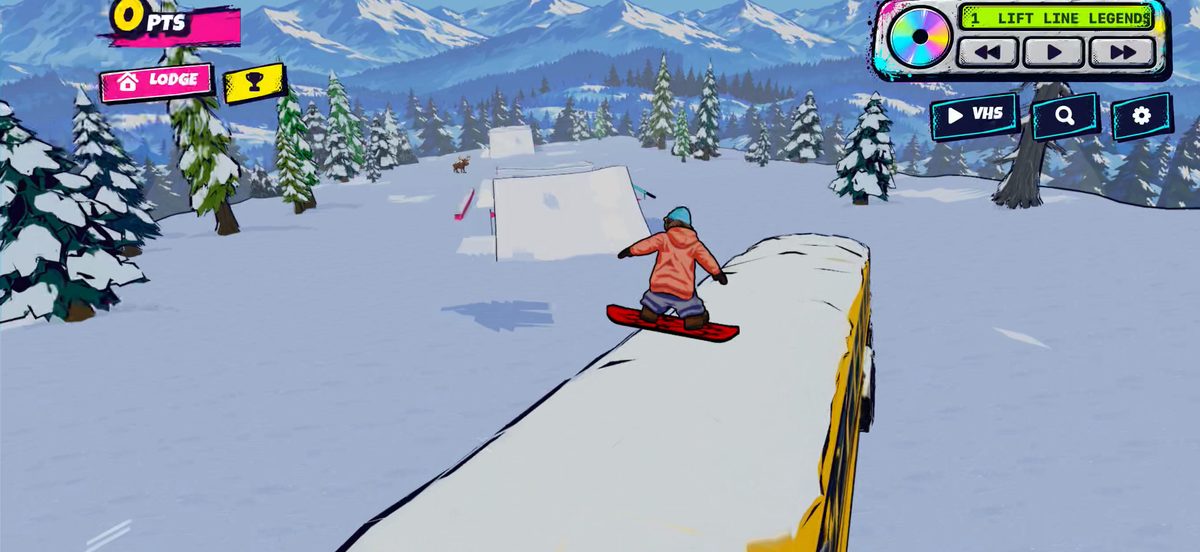
Grab your board, pull down your goggles and drop in to snowboarding's golden age: a comic-book mountain straight out of 1999. Shred Heads is an arcade snowboarding game built for big air and bigger style: carve fresh lines, launch off kickers, spin 1080s, throw backflips and corks, lock in grabs, slide rails and jib a parked snowcat, then watch it back on your VHS replay.
- One thumb does it all: circle to spin, flick to flip, hold to grab.
- Ride as the Dude or the Ripper, build your look and pick a board from 30 graphics.
- A Discman full of 19 original songs: skate punk, grunge, ska, big beat and trip hop.
- Every big trick and every wipeout becomes a comic cover you can share.
The Park is free to ride, with no ads. One purchase unlocks the rest for good: the Road Gap, Backcountry and Superpipe zones, the Yeti, Buddies and Showdown modes, the drone camera and 20 more boards. For iPhone and iPad, iOS 18 or later, played in landscape.
How to play
Your left thumb steers. Your right thumb does the tricks: draw a circle to spin, flick up or down to flip, and hold to grab. Grabs are sticky, so you can lock one in and spin or flip on top of it. Pop off the lip of a jump for more height, link tricks without touching down for a combo, and land with the board pointing downhill. The gear at the top right opens Settings, and the Lodge, between runs, is where you change your rider, board, zone and weather.
Common questions
- How do I turn off the music, the sound effects or the rider's voice?
- The music plays on the Discman at the top of the screen: its buttons pause it and skip songs. Sound effects and rider voices each have a switch in Settings (the gear at the top right).
- Where are my scores and medals?
- Your best run and medal in each zone show on the zone's card in the Lodge. If you are signed in to Game Center, finished runs also post to each zone's weekly leaderboard, and achievements show up there too.
- I bought the full game on another device. How do I get it here?
- Tap any padlock, or open Settings, and choose RESTORE. It asks Apple and unlocks everything again. Family Sharing works too.
- Does it need an internet connection?
- No. It plays offline. Going online only matters for Game Center scores, a purchase or restore, and the anonymous play statistics described in the privacy policy.
- Something went wrong.
- Email me with which device, which version of iOS, which zone, and what happened just before. A screenshot helps a lot.
Contact
Questions, bugs, ideas: support@sleeplaugh.net. I read every message and usually answer within a day or two.
Privacy
No accounts, no ads and no tracking. The game sends a few anonymous play statistics, and your settings and scores stay on your device. The whole of it is in the privacy policy.