Side Projects
Things I've built on nights and weekends, mostly because I wanted them to exist.

Space Fight
New
Details
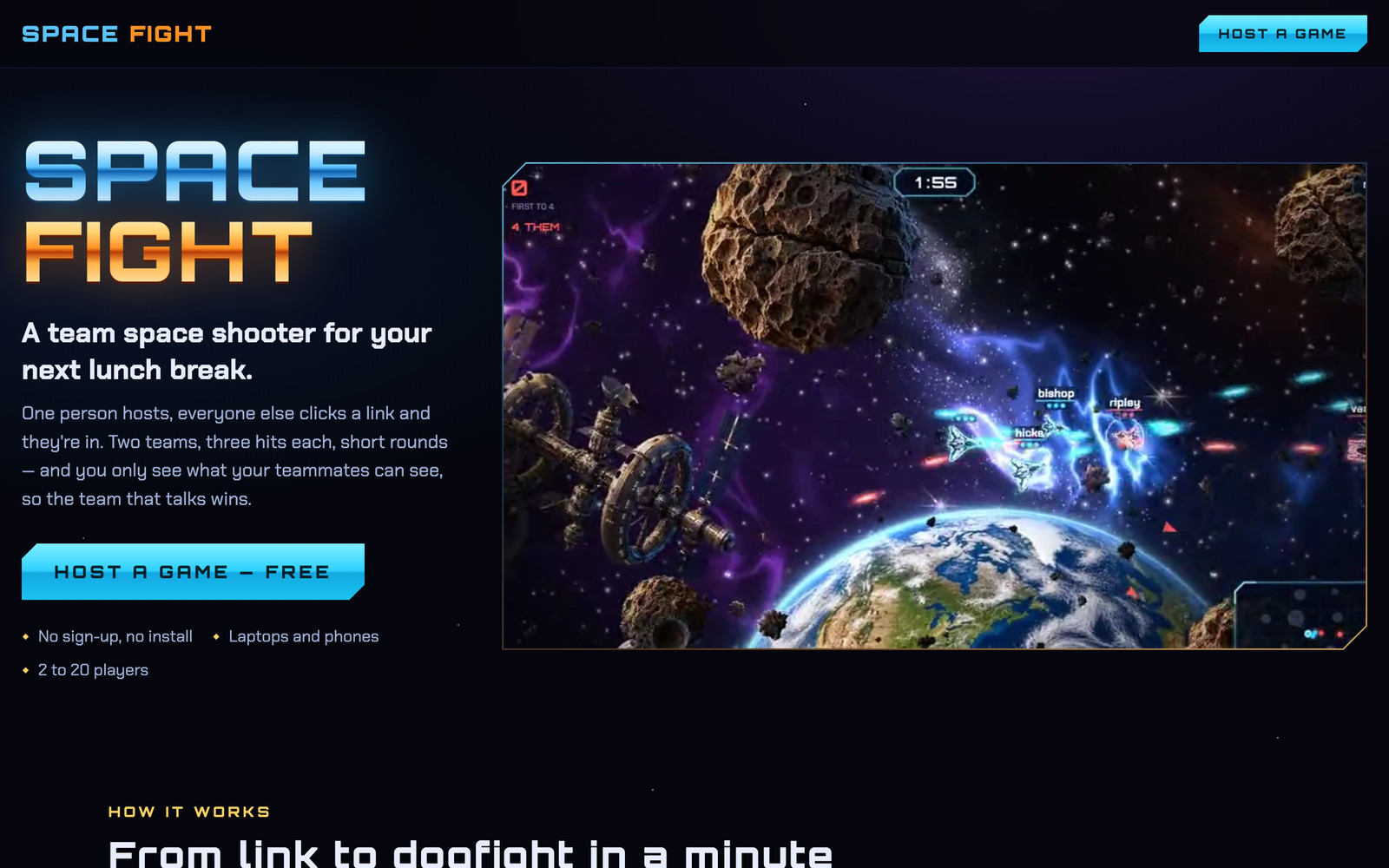
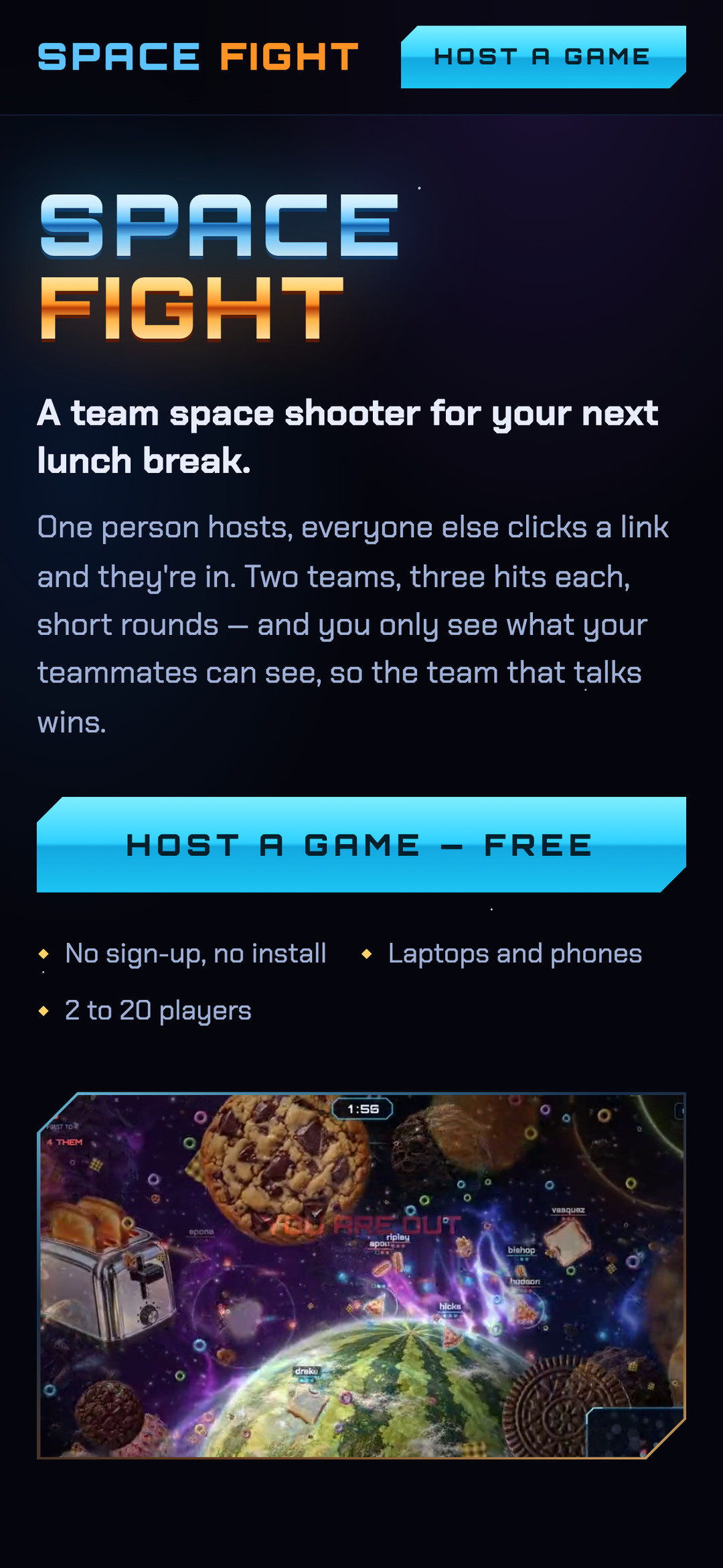
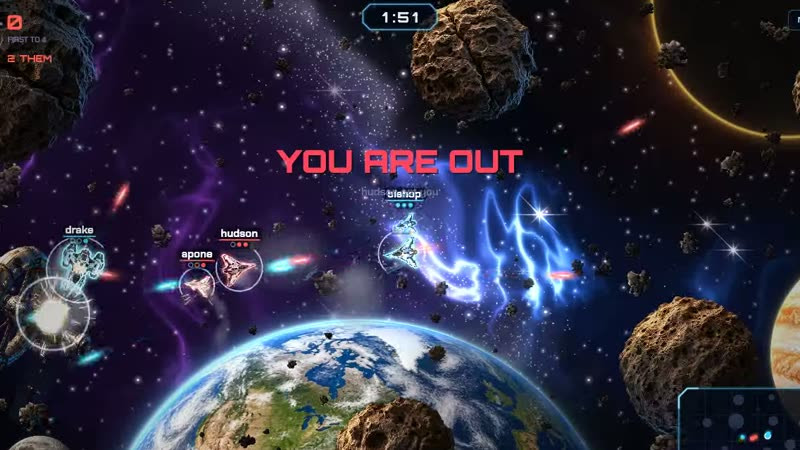
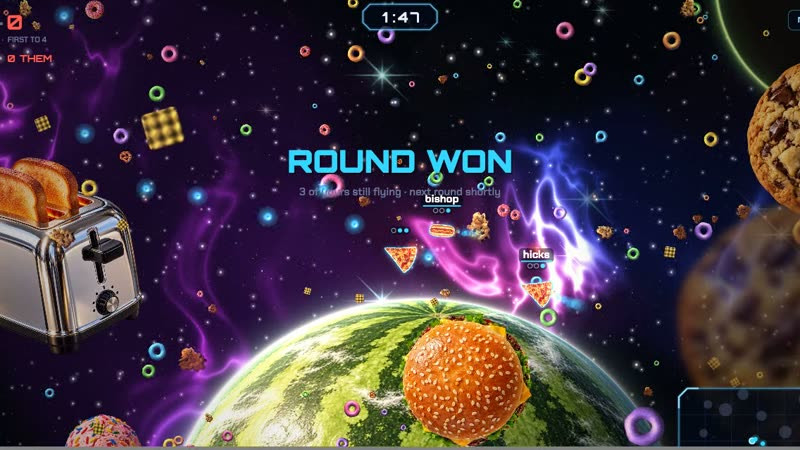
A two-team space shooter for your next lunch break, right in the browser. One person hosts, everyone else clicks a link and they're in: no sign-up, no install, laptops and phones, 2 to 20 players. Two teams, three hits each, rounds that take about a minute. The twist is that you only see what your teammates can see, so calling out what's on your radar is the whole strategy and the team that talks wins. The host picks between two worlds: Serious, with interceptors and gunships dodging asteroids over the Earth, or Silly, a food fight where you fly a hot dog and fire ketchup past giant cookies. Built for a team on a video call.
Play it
What I Did
Concept, Design, and Development.

The Jellyfish Journey
New
Details
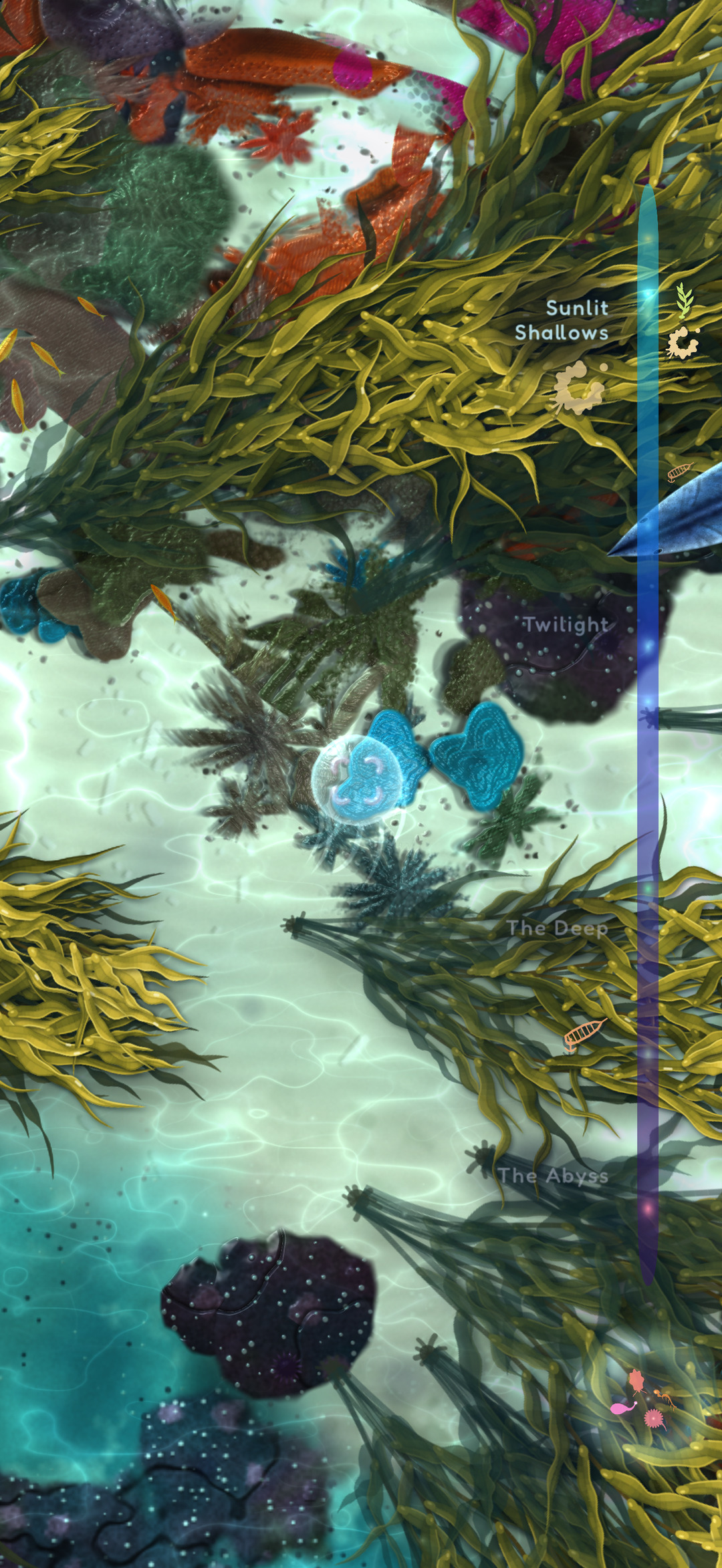
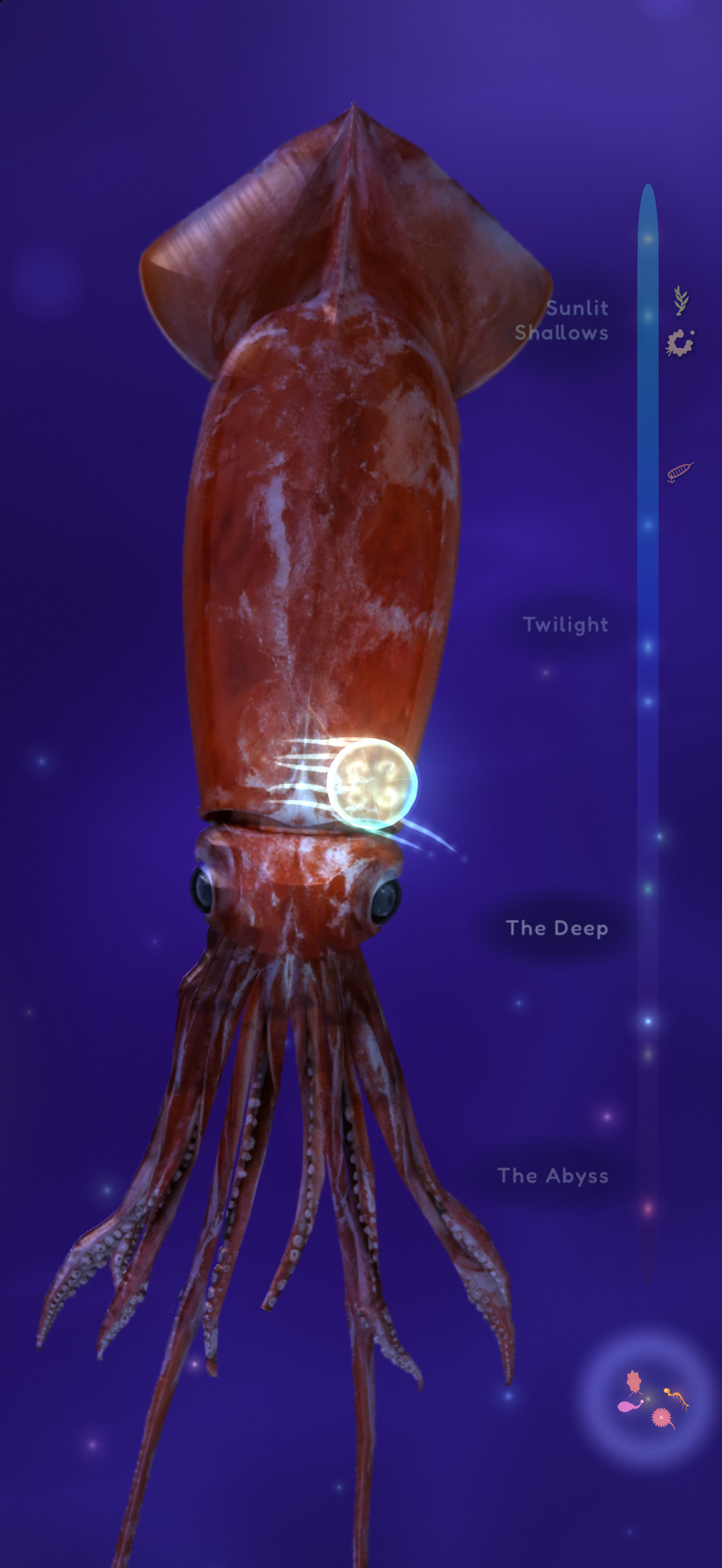
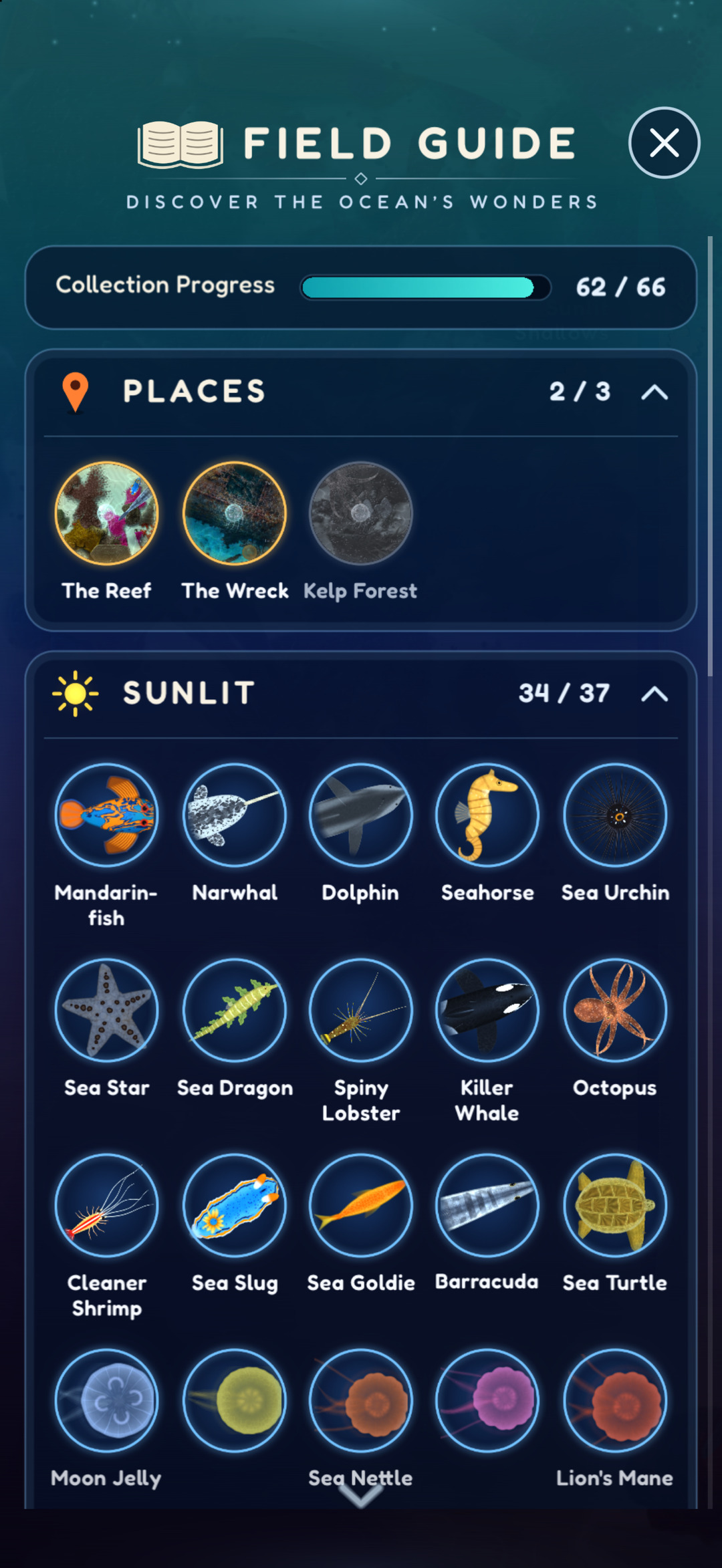
A calm ocean for young kids, and anyone who needs a quiet moment. Touch the water and your little jellyfish swims down into the deep, all the way to the colossal squid. Collect 66 real sea animals.
See it in the App Store
What I Did
Concept, Design, Development, and Distribution.

Tower Pinball
Details
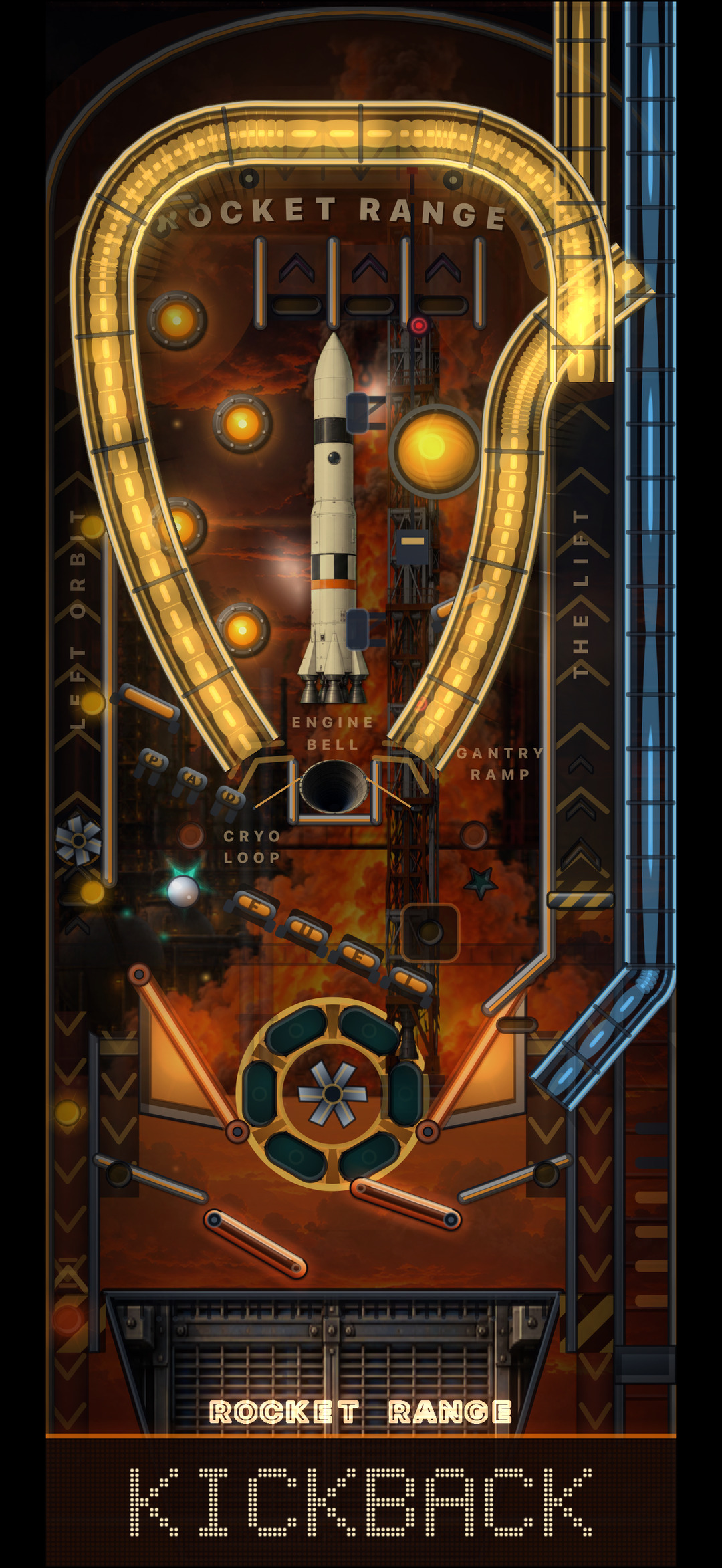
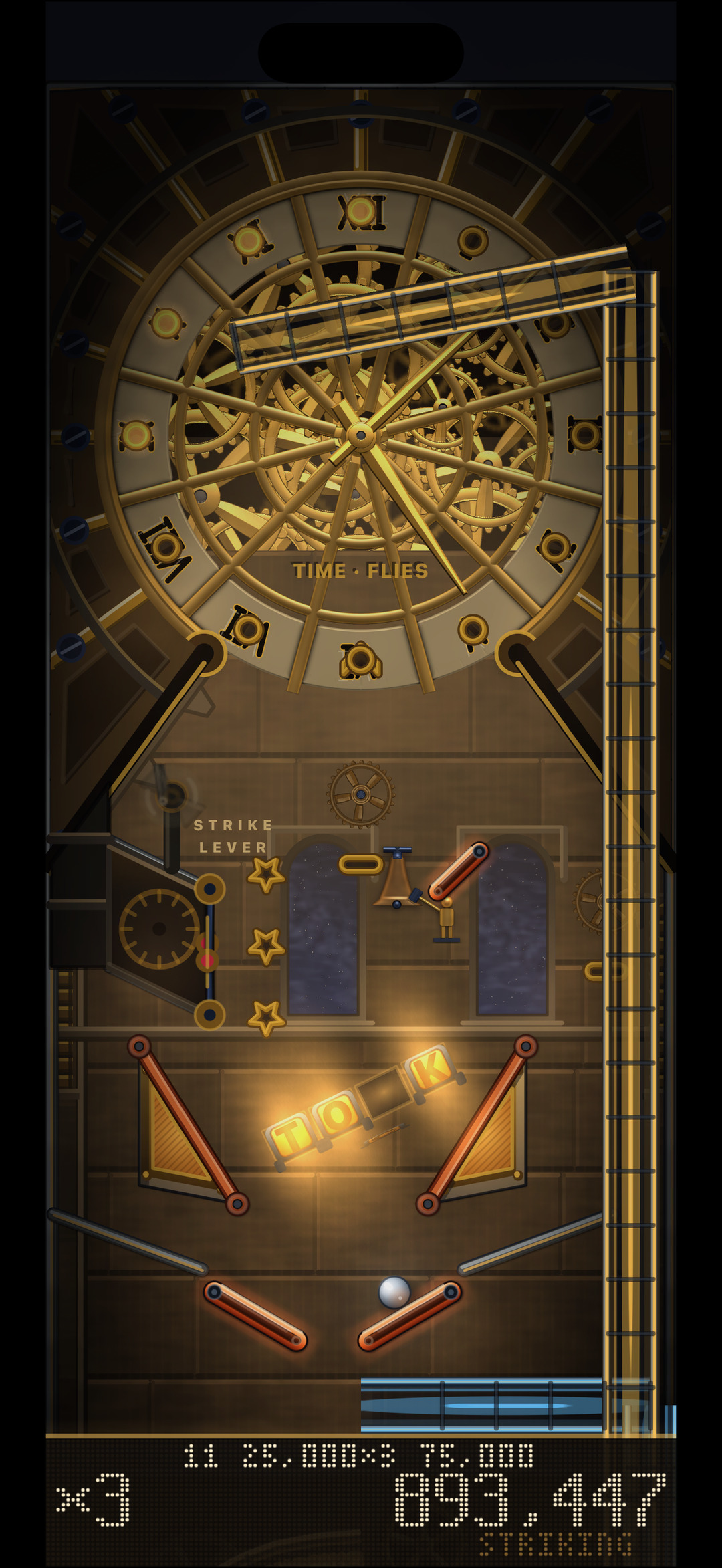
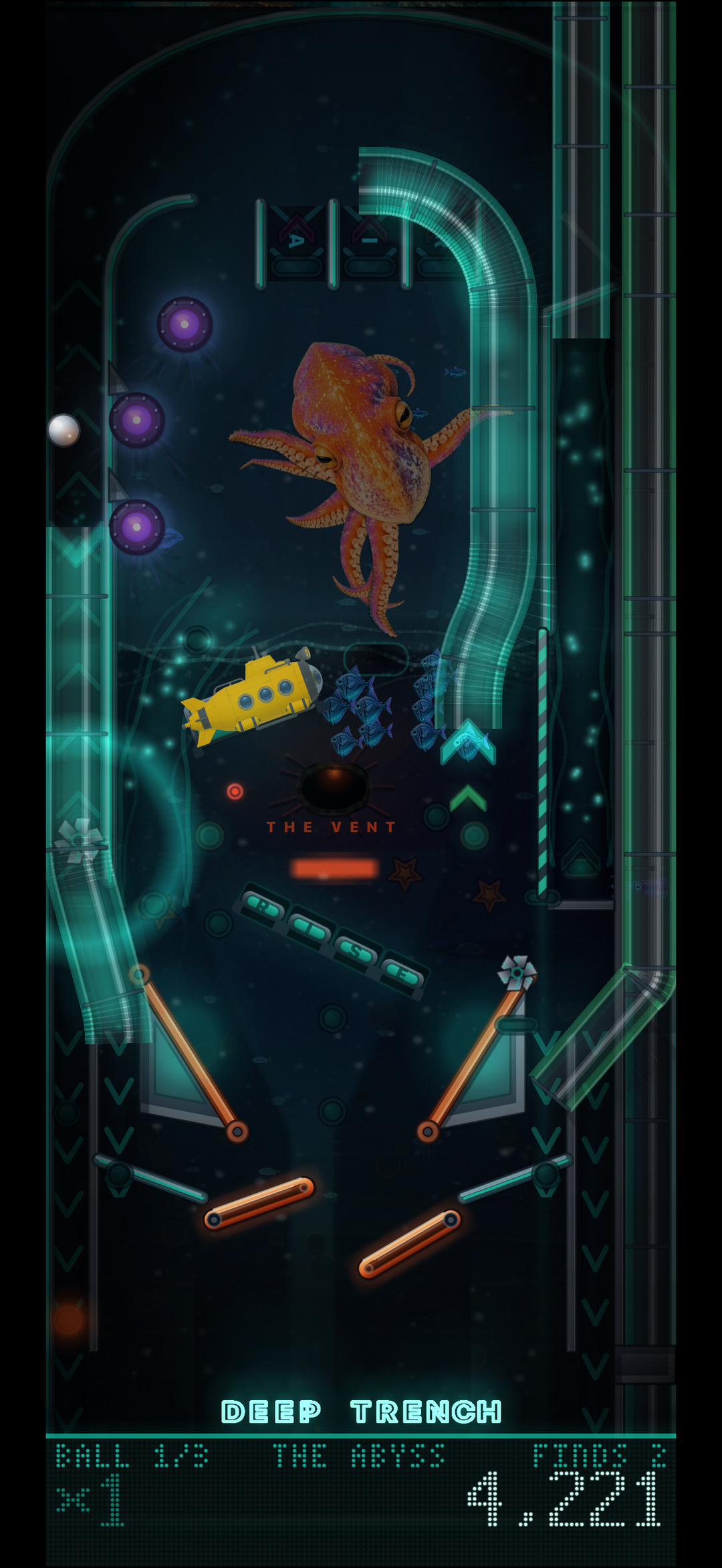
Pinball where the table is a tower. Each table is three floors, and the ball climbs them: play well and a lift carries it up, drain and it falls back down. Three tables so far: Rocket Range, Clockwork Tower, and Deep Trench.
See it in the App Store
What I Did
Concept, Design, Development, and Distribution.

TraderBee
Details
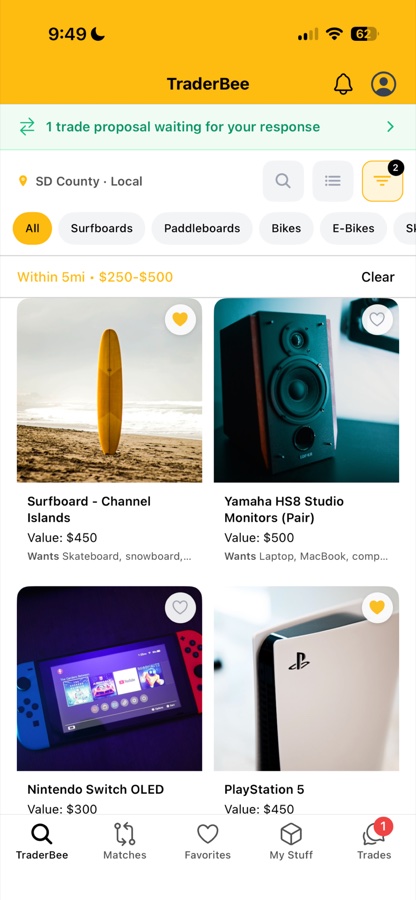
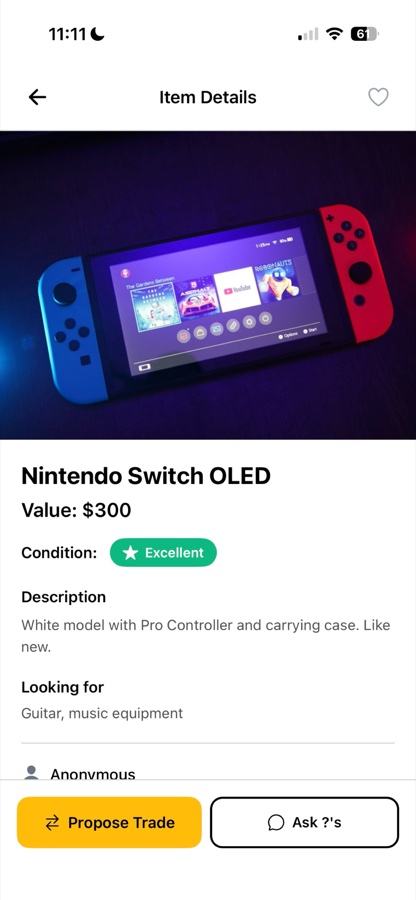
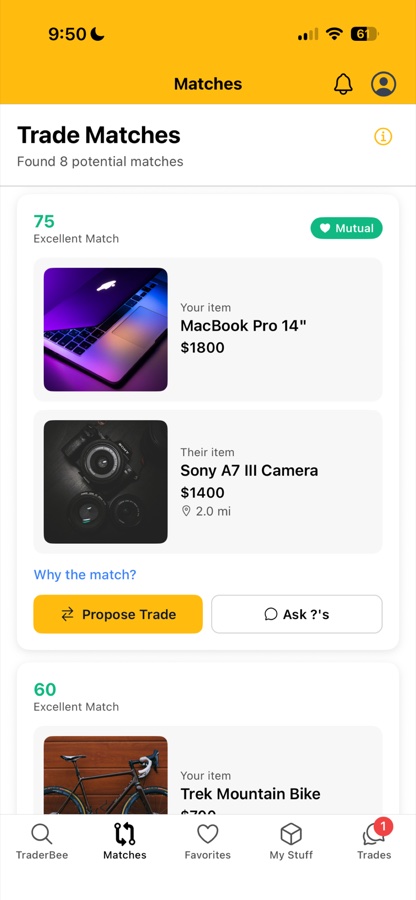
The sweet way to swap. Trade the stuff you don't use anymore directly with people in your community. No selling, no shipping, no hassle. List an item, say what you're looking for, and smart matching finds trades based on value, interests and location. Chat in the app, pick a safe public spot, meet up, and both walk away happy. Live in San Diego County now, with more areas coming.
See it in the App Store
What I Did
Concept, Design, Development, and Distribution.

Speech EZ
Details
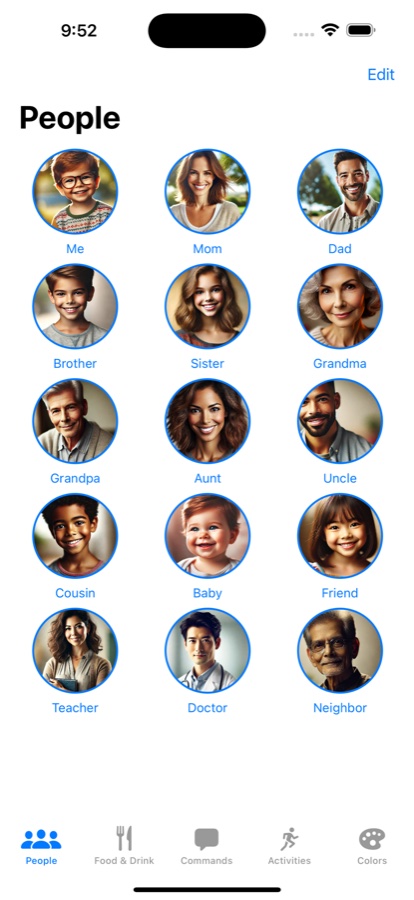
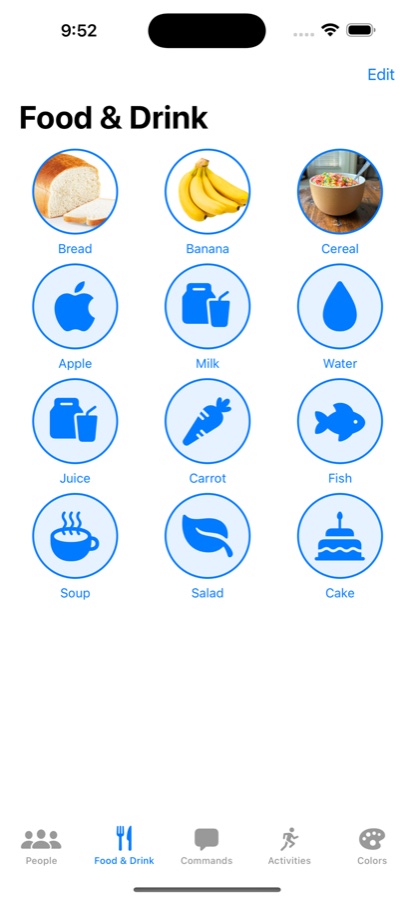
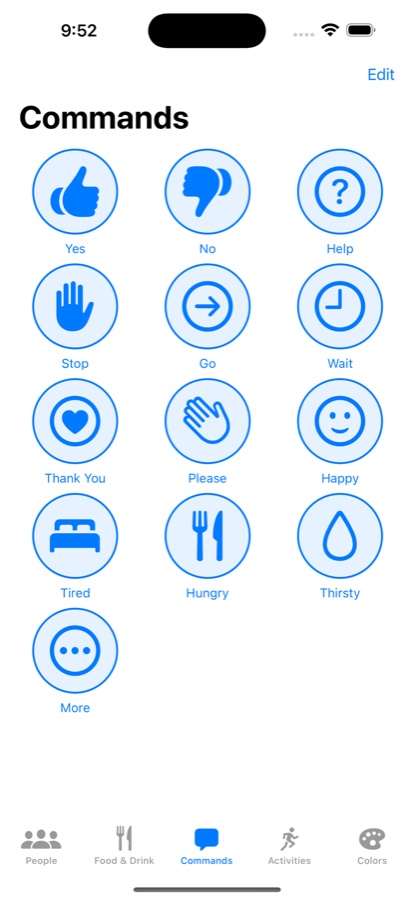
This app was made to help kids (or anyone) who has trouble speaking to have an easy way to communicate. We have a son who is speech delayed, in speech therapy, and we wanted to make a way for him to simply tap to tell us what he is thinking and what he needs or wants. Version 2.0 added a Sentence Builder, so tapping a few tiles turns into "I want milk." Excited to share it in case it can help others as well.
See it in the App Store
What I Did
Concept, Design, Development, and Distribution.
Bible × History
Details
Where scripture meets the historical record. A curated timeline that lines up biblical events with archaeological discoveries, inscriptions, and documents, from the Flood through the Early Church. Events are color coded so you can see at a glance what's biblical, what's historical, and where the two corroborate each other, with artifacts like the Merneptah Stele and the Pilate Stone along the way.
Check it out
What I Did
Concept, Research, Design, and Development.
biblevshistory.com

Mockie
Details
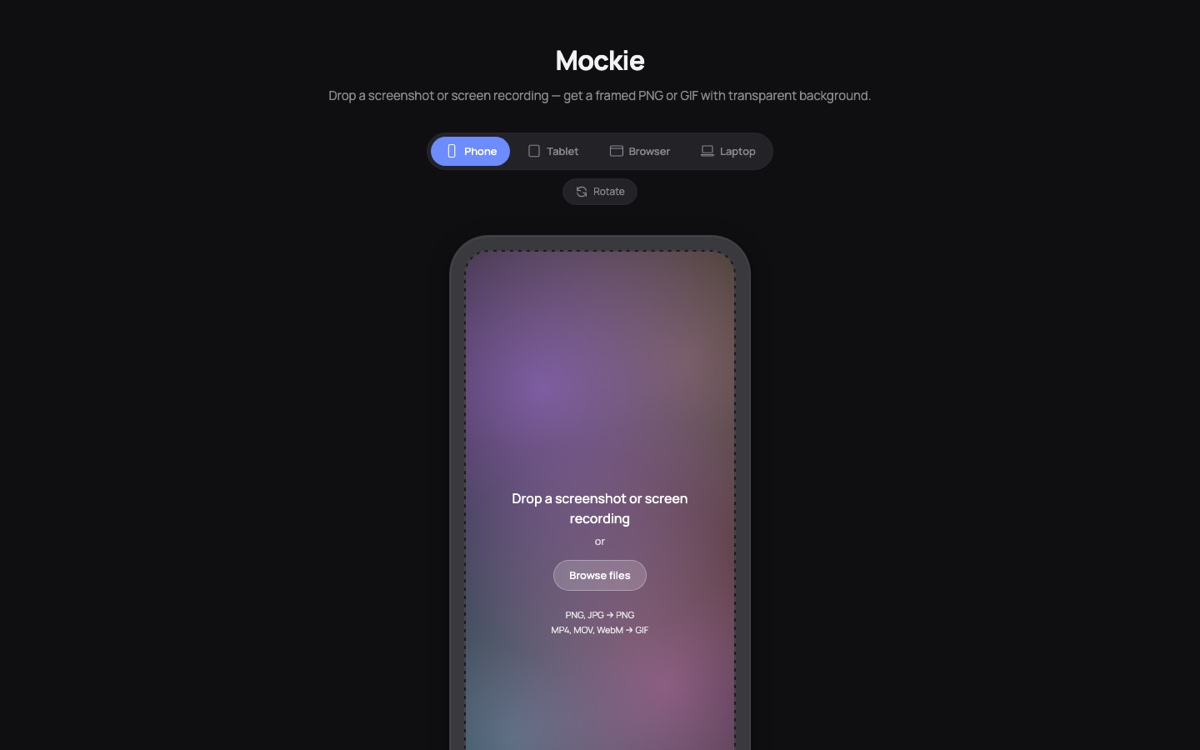
Drop in a screenshot or screen recording and get back a framed PNG or GIF with a transparent background. Phone, tablet, browser, and laptop frames, with controls for bezel, corner radius, 3D tilt, and shadow. Everything runs locally in your browser, so nothing ever gets uploaded. Free, no sign up. I built it because I kept needing exactly this for App Store listings and this very site.
Check it out
What I Did
Concept, Design, and Development.
mockie.app
80's Match
Details
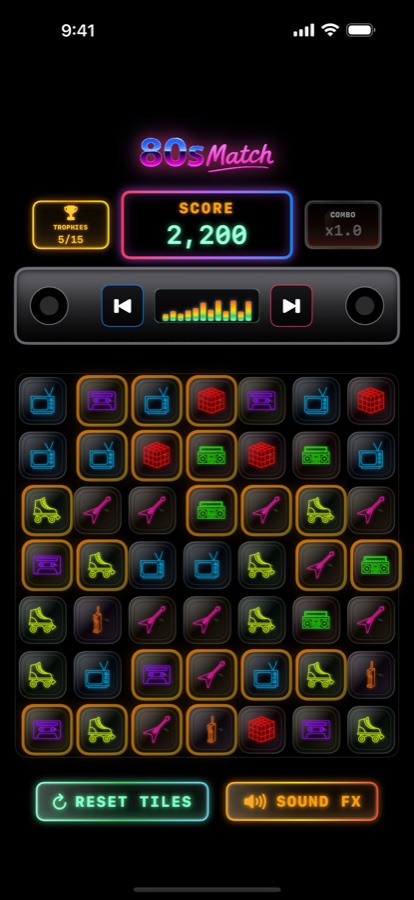
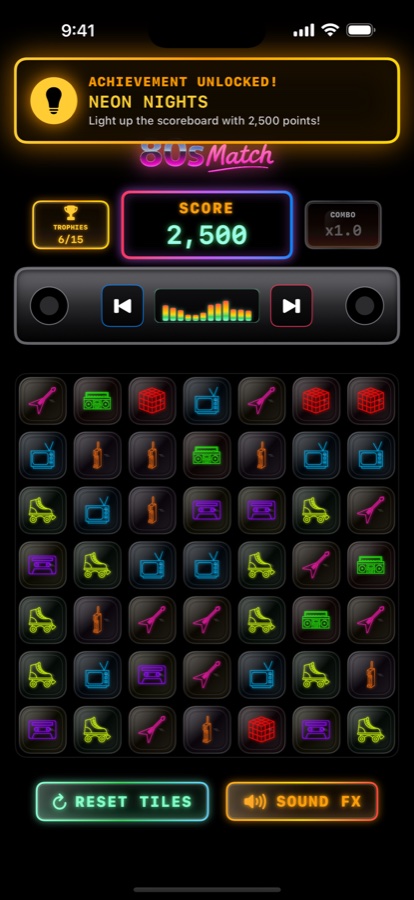
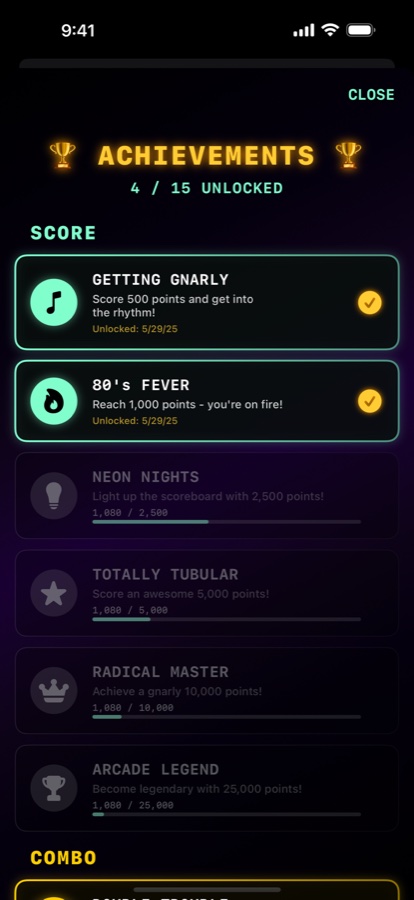
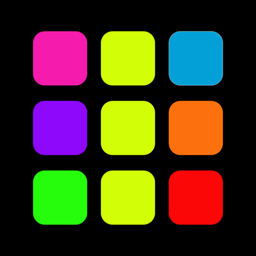
Rad vibes only. A fast-paced match-3 puzzle game bursting with neon cassette tapes, roller skates, boomboxes, and synthwave beats, and in 2.0 the music is part of the game. Every song is beat-mapped, the boombox thumps along, and a move made on the beat scores double. Ninety seconds on the clock, combos to build, trophies to unlock. Basically the raddest decade ever, in your pocket.
See it in the App Store
What I Did
Concept, Design, Development, Music, and Distribution.
Circle o Fifths
Details
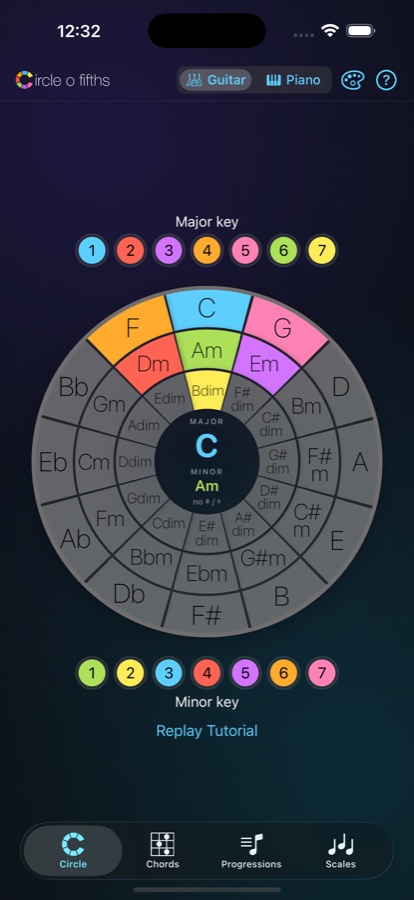
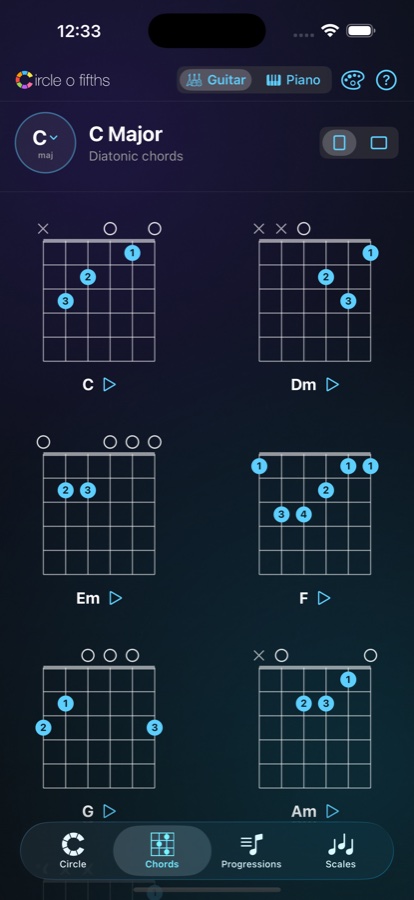
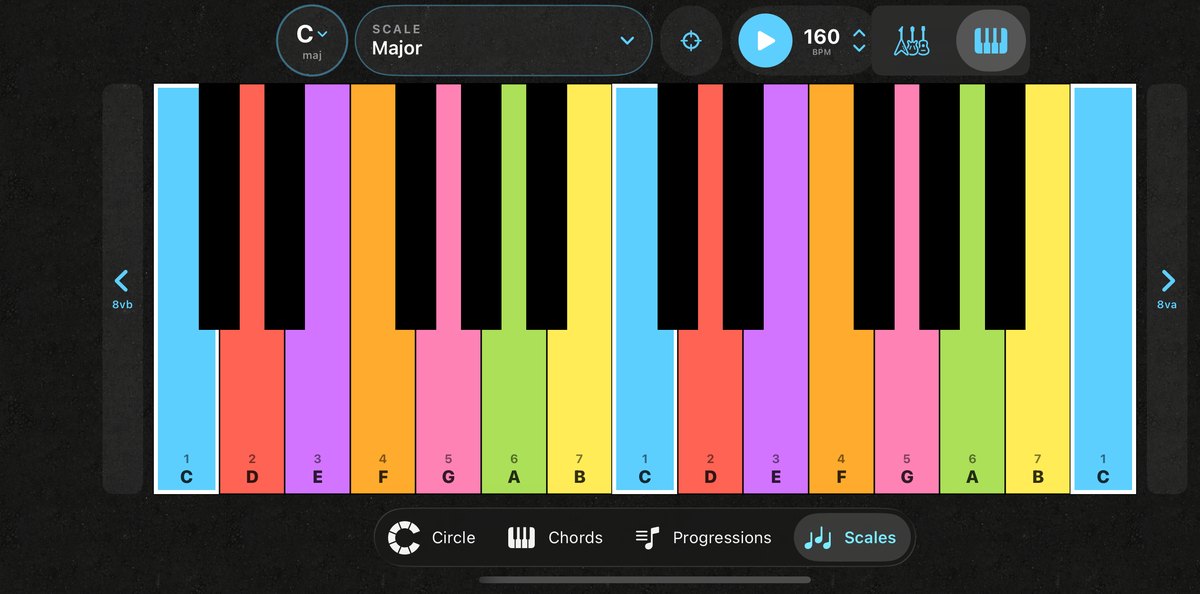
Grab your guitar or sit down at the piano, and hear and learn the circle of fifths! Find the chords in any key, see the scales to solo over them, and write your own songs. The Scales tab lays any scale out on the fretboard or keyboard, color coded by degree, with CAGED shapes, full-neck patterns, and a library of ready-made licks. A handy practice and theory tool that can be a game changer.
See it in the App Store
What I Did
Concept, Design, Development, and Distribution.